


Track conversion
Follow visits through signup and activation, and see where users drop off.
Store, search, and analyze all your events in one serverless database.
Trusted by
Ask a question. Your agent queries ScopeDB, follows the evidence, and comes back with an answer. Start with your agent.
Write events and query ScopeDB from your backend with your favorite language.
import { Client } from "scopedb";

const client = new Client(
  process.env.SCOPEDB_ENDPOINT,
  {
    apiKey: process.env.SCOPEDB_API_KEY,
  }
);

const table = client.table("events");
const stream = table.appendStream().build();
await stream.send({
  time: "2026-10-23T09:00:00Z",
  service: "checkout",
  name: "payment_failed",
  message: "Credit card gateway timed out",
  var: { region: "apac", gateway: "credit_card" },
});
await stream.shutdown();

const query = `FROM events WHERE service = 'checkout'
  SELECT time, name, var['gateway']::string AS gateway
  ORDER BY time DESC LIMIT 10`;
const result = await client.query(query);
const events = result.toObjects();

console.log(events);func main() {
ctx := context.Background()
client, err := scopedb.NewClient(scopedb.Config{
Endpoint: os.Getenv("SCOPEDB_ENDPOINT"),
APIKey: os.Getenv("SCOPEDB_API_KEY"),
})
if err != nil { panic(err) }
defer client.Close()
opts := scopedb.AppendStreamOptions{}
stream, err := client.Table("events").AppendStream(opts)
if err != nil { panic(err) }
err = stream.Send(ctx, map[string]any{
"time": "2026-10-23T09:00:00Z",
"service": "checkout",
"name": "payment_failed",
"message": "Credit card gateway timed out",
"var": map[string]any{"region": "apac", "gateway": "credit_card"},
})
if err != nil { panic(err) }
if _, err := stream.Shutdown(ctx); err != nil { panic(err) }
query := `FROM events WHERE service = 'checkout'
SELECT time, name, var['gateway']::string AS gateway
ORDER BY time DESC LIMIT 10`
result, err := client.Query(ctx, query)
if err != nil { panic(err) }
events, err := result.ToObjects()
if err != nil { panic(err) }
fmt.Println(events)
}#[tokio::main]
async fn main() {
let endpoint = std::env::var("SCOPEDB_ENDPOINT").unwrap();
let api_key = std::env::var("SCOPEDB_API_KEY").unwrap();
let client = scopedb_client::Client::builder(endpoint)
.api_key(api_key)
.build()
.unwrap();
let table = client.table("events");
let stream = table.append_stream().build().unwrap();
let event = serde_json::json!({
"time": "2026-10-23T09:00:00Z",
"service": "checkout",
"name": "payment_failed",
"message": "Credit card gateway timed out",
"var": { "region": "apac", "gateway": "credit_card" },
});
stream.send(&event).await.unwrap();
stream.shutdown().await.unwrap();
let query = "FROM events WHERE service = 'checkout'
SELECT time, name, var['gateway']::string AS gateway
ORDER BY time DESC LIMIT 10";
let result = client.query(query).await.unwrap();
let events = result.into_objects().unwrap();
println!("{events:?}");
}Use interactive charts to compare trends, investigate events, and share a view with your team.
Follow visits through signup and activation, and see where users drop off.
Spot requests above your latency threshold, then trace the wait to logs and dependencies.
Follow parallel tool calls, a failed search, and its retry before the agent answers.
Retain petabytes of data and ingest millions of events per second.
Keep your event history in shared object storage. Resize ingestion and query groups separately, and release compute after busy periods.
ArchitectureSee how teams run observability platforms, agent-native workspaces, and live service telemetry on ScopeDB.
TrueWatch uses ScopeDB as the storage and query engine for logs, traces, and event data across its observability platform.
Raft records high-concurrency agent traces and product events in ScopeDB, giving engineers and observability agents shared evidence for release checks and debugging.
Nowledge Mem captures server-side exception telemetry with the JavaScript SDK and queries ScopeDB to isolate and debug production issues.
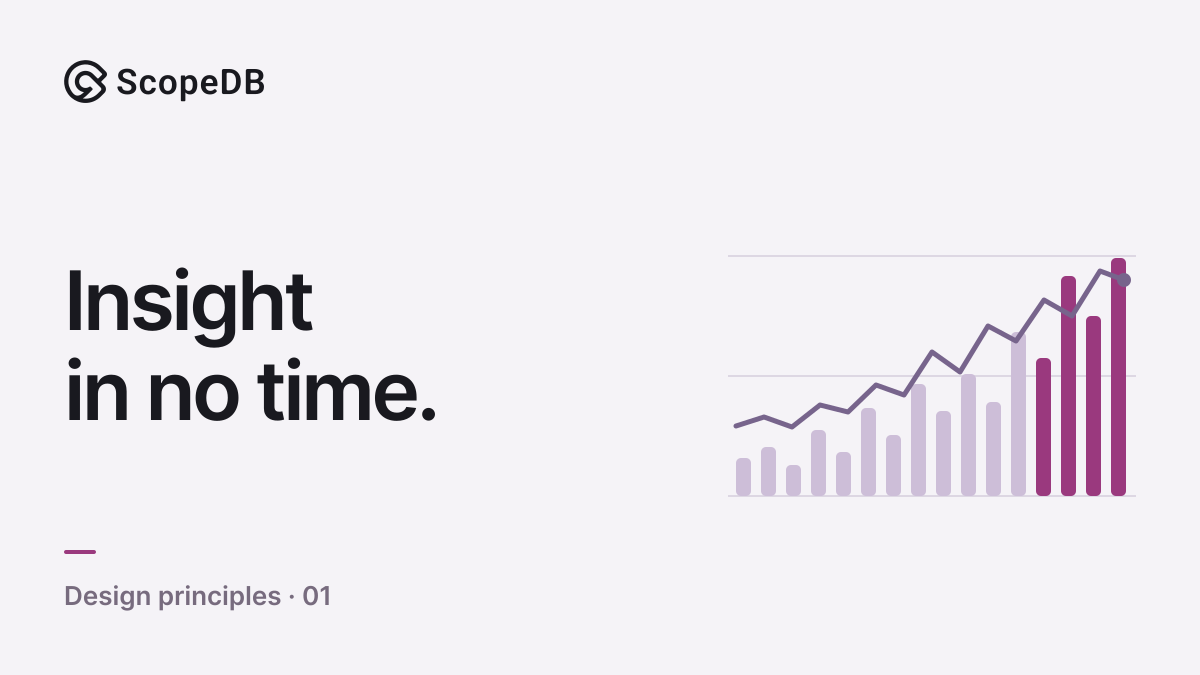
Applications can append events directly to ScopeDB and query committed data without a separate ETL pipeline.
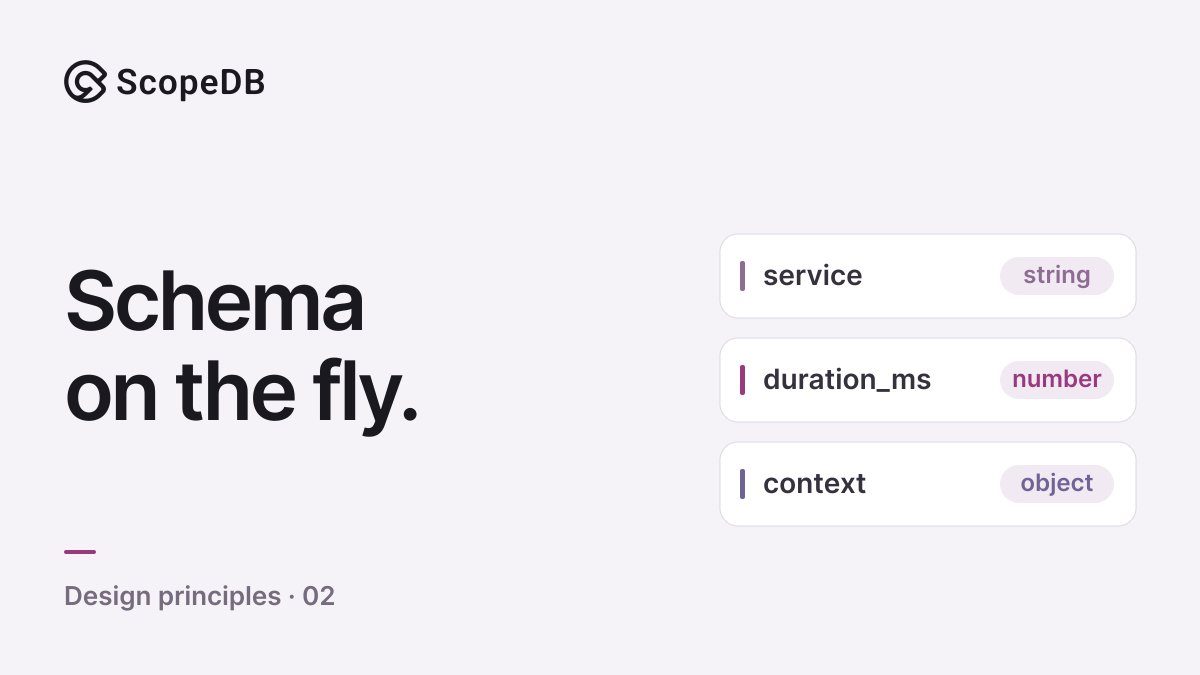
Keep stable event fields in typed columns, explore changing attributes in objects, and promote fields as their meaning becomes shared across applications.
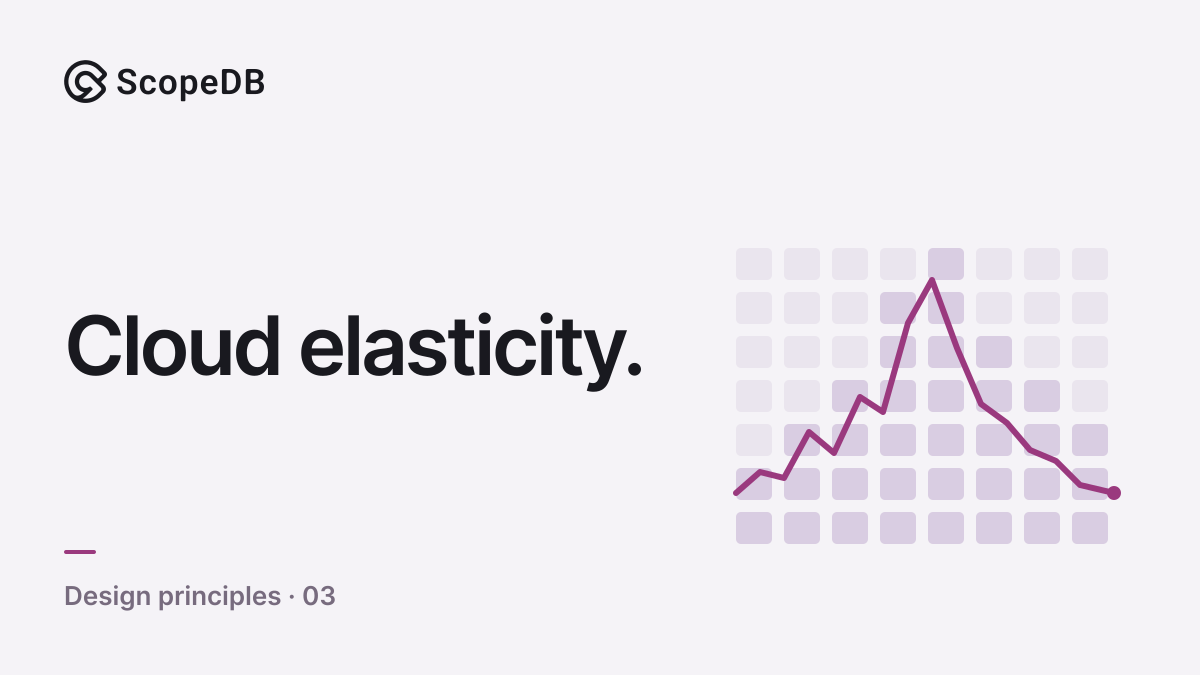
Scale compute up and back down while keeping your event history. Shared object storage lets ScopeDB resize compute groups without moving durable shards.